



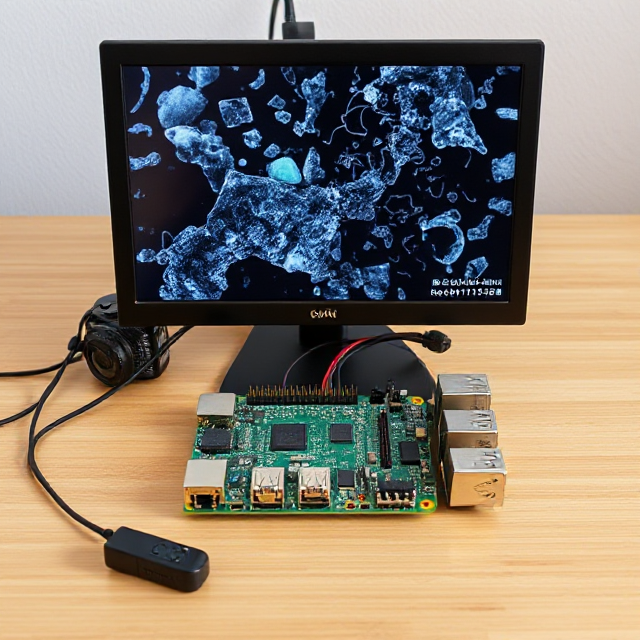

Description
Here’s the corrected version of your instructions:
How to Run:
Step 1: Download the provided dataset and upload it to your Google Drive.
Step 2: Download the Colab file and open it in Google Colab.
Step 3: Navigate to the directory where your code is stored by executing:
%cd /content/drive/MyDrive/datasetsStep 4: Run the code.
Step 5: Save the model and send it via Gmail.
Step 6: On the Raspberry Pi, install the Debian Bookworm 64-bit OS.
Raspberry Pi Imager link to download the OS: https://www.raspberrypi.com/software/
Step 7: Set up your Raspberry Pi and install YOLOv8 on it.
YouTube link for reference to set up your Raspberry Pi:
YouTube link for reference to download YOLOv8:
Step 8: Set up a webcam with the Raspberry Pi and test it.
YouTube link for reference to set up the webcam:
Step 9: Download the Python code and run it in Thonny IDE.


Reviews
There are no reviews yet.